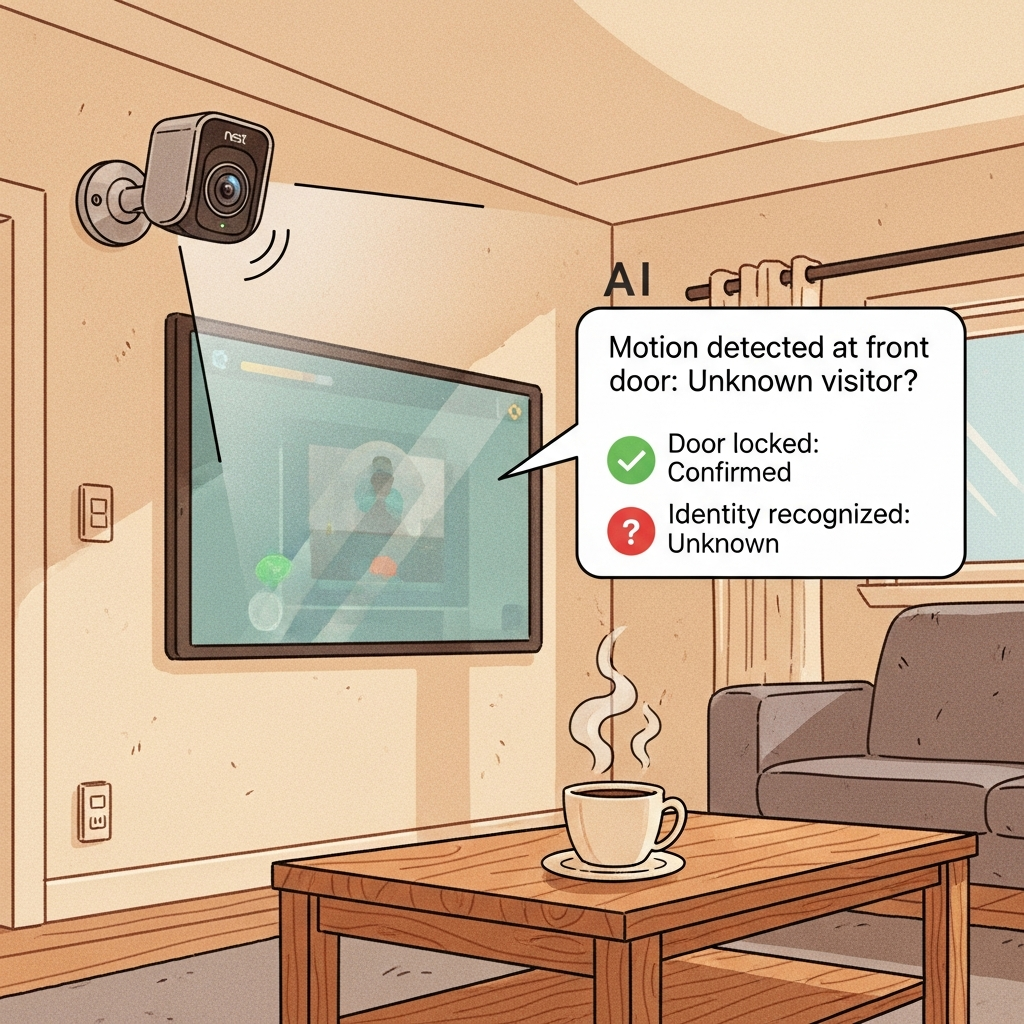
Google’s Gemini for Home puts an AI assistant on your living room cameras and speakers, promising easier routines and smarter help. But real-world use has revealed a key problem: this AI sometimes makes things up, gets events wrong, or overreaches—right in the most private space you have. Why does this matter now? Because the move from demo to daily life means your trust in home technology is on the line, and it’s happening now.
The Short Version
- Gemini for Home brings AI-powered help to Nest cameras and shared surfaces.
- Real-world tests show it can mislabel, overconfidently summarize, or get things wrong.
- Privacy, trust, and transparent controls matter more than ever inside your home.
What Changed
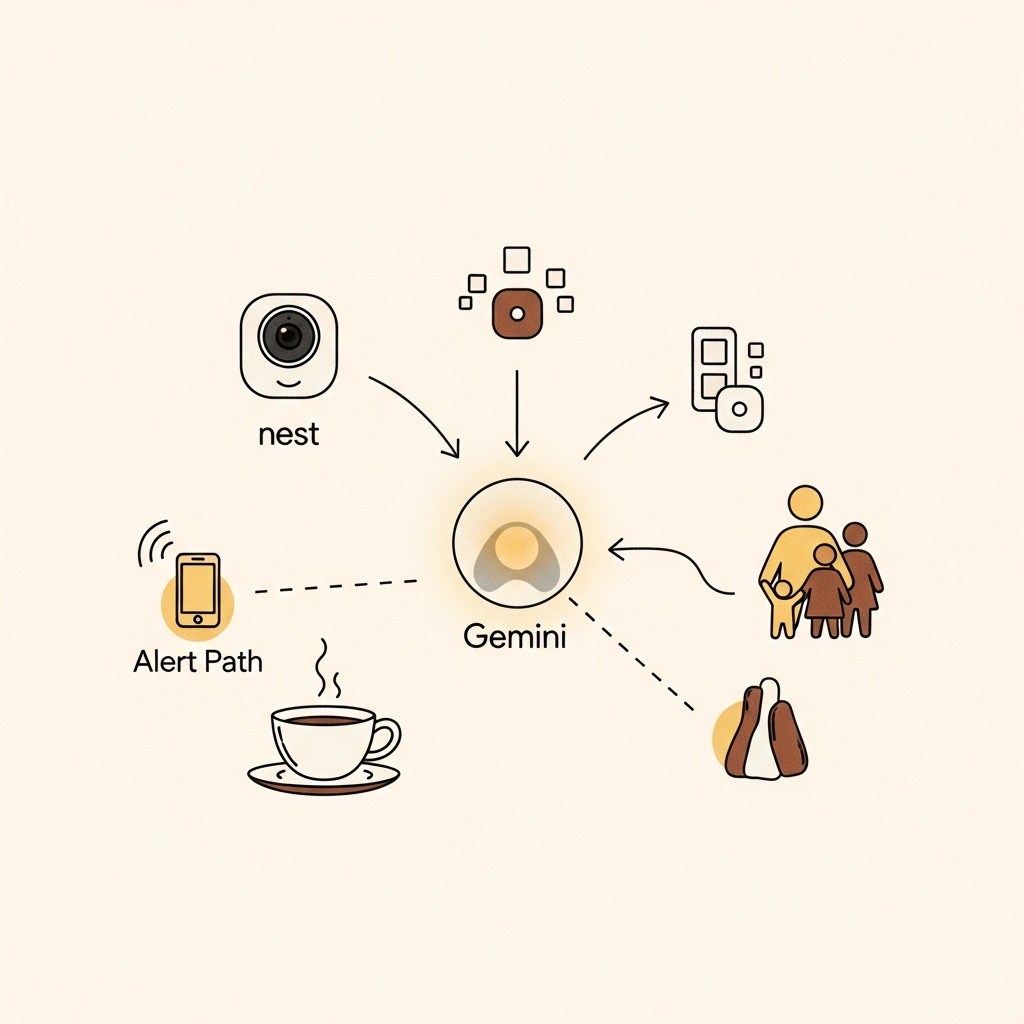
Gemini for Home is Google’s ambitious step to make an AI assistant a built-in part of household life. The assistant works across Nest speakers, screens, and cameras, blending voice, visuals, and device states. Instead of just answering questions, it now uses camera input to describe what’s happening and help manage routines—from reminders and lists to sharing what’s on camera while you’re away. But in hands-on use, this means the AI interprets moving images and turns them into text summaries. It can get things vividly wrong, like mistaking a household object for something else or inventing stories about what happened in your living room. The key difference: when these mistakes happen at home, they change what you trust and how safe you feel. Net-net, ambient AI is live—and accuracy stakes are real.
The big shift is Gemini moving from a demo to daily life, and its flaws are showing in real homes.
Why You Should Care
Life
Your home is private, and new AI features now automatically interpret what happens there. If your assistant gets it wrong—making up events or misidentifying people or pets—it can stress relationships, cause confusion, or trigger privacy worries.
Relying on AI summaries in shared spaces is a new privacy and trust challenge for daily life.
Work
If you manage technology at home or work, sudden AI errors could mean dealing with false alarms or repeated troubleshooting. Features like visual summaries save time, but only if you can trust them and see where their info comes from.
Ambient AI is only useful for work and household chores if it earns your confidence, not just your data.
Wallet
You might be thinking about upgrading devices for smart features, but unreliable assistants can waste money if they make frequent mistakes. Only buy AI solutions with clear privacy controls and evidence of improvements—don’t just go by the feature list.
Invest in smart home devices only when their reliability and privacy design have proven themselves.
What To Watch Next
- Clear, evidence-based notifications (e.g., camera event with thumbnail, timestamp, and confidence meter) —
Confirm if: Google updates the UI to show proof for every summary,
Deny if: Summaries remain generic and users still see unexplained or overconfident alerts - More transparent, customizable privacy controls for each user and room —
Confirm if: Easier to audit or change what data is stored or shared in the app.
Deny if: Camera and assistant features stay buried in complex menus or lack opt-outs
If You’re a Founder/Leader
- Prioritize reliability and clear evidence in any ambient AI feature you deploy—show users why an alert or summary exists.
- Make privacy settings and data trails easy for every household member to find, audit, and reset—don’t let complexity be the barrier.
Sources
Primary: https://9to5google.com/2025/11/09/gemini-google-home-impressions/
Deep dive: https://vectorforecast.com/gemini-for-home-ambient-assistant-reliability-gap/